Plasma 5.18 LTS Beta has been released, which brings many exciting new features to a computer near you, especially if you’re upgrading from our previous LTS release, Plasma 5.12. Of course for us developers this now means that a stable git branch has been created and we can work on new stuff on master to eventually become Plasma 5.19, scheduled for an early June 2020 release. This blog post is less about KDE code, though.
With the end of the year approaching in some parts of the world and already half a year since I announced the notifications rewrite, I thought I’d give you an update on some of the things I’ve worked on since. While Plasma 5.17 only saw minor changes, most notably automatic do not disturb mode when screens are mirrored during presentations, there are some very exciting new features that will arrive in the upcoming Plasma 5.18 LTS to be released early February next year.
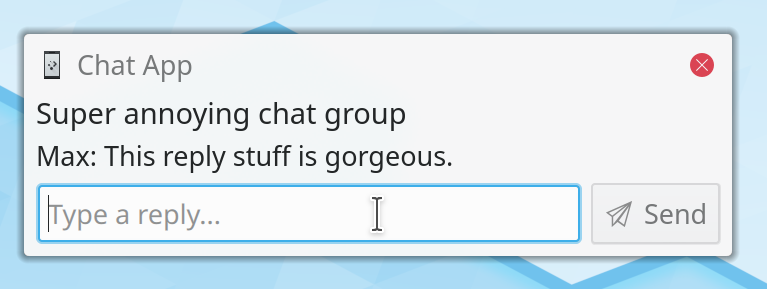
Replying to conversations directly from the notification popup
I’m pleased to announce the immediate availability of Plasma Browser Integration version 1.7 on the Chrome Web Store as well as Firefox Add-Ons page. This release brings a slew of important bug fixes, translation updates, and exciting new features.
Konqi surfing the world wide web
Plasma Browser Integration bridges the gap between your browser and the Plasma desktop. It lets you share links, find browser tabs in KRunner, monitor download progress in the notification center, and control music and video playback anytime from within Plasma, or even from your phone using KDE Connect!
(or: “KDE Frameworks 6 Planning Sprint in Berlin”)
Only two weeks after my previous Berlin visit I came back for the KDE Frameworks 6 planning sprint, kindly hosted by MBition in their posh offices near Spree river and Landwehrkanal.
Three days’ worth of discussions in a nutshell
Already during this year’s Akademy we started discussing our strategies for a Qt 6 transition and created a giant work board of tasks for our next major release of Frameworks. Overall our goal is to keep API breakages to a minimum while still cleaning up some cruft that might have built up over the years. We kicked off the sprint Friday morning with discussions mostly around policies and guidelines.
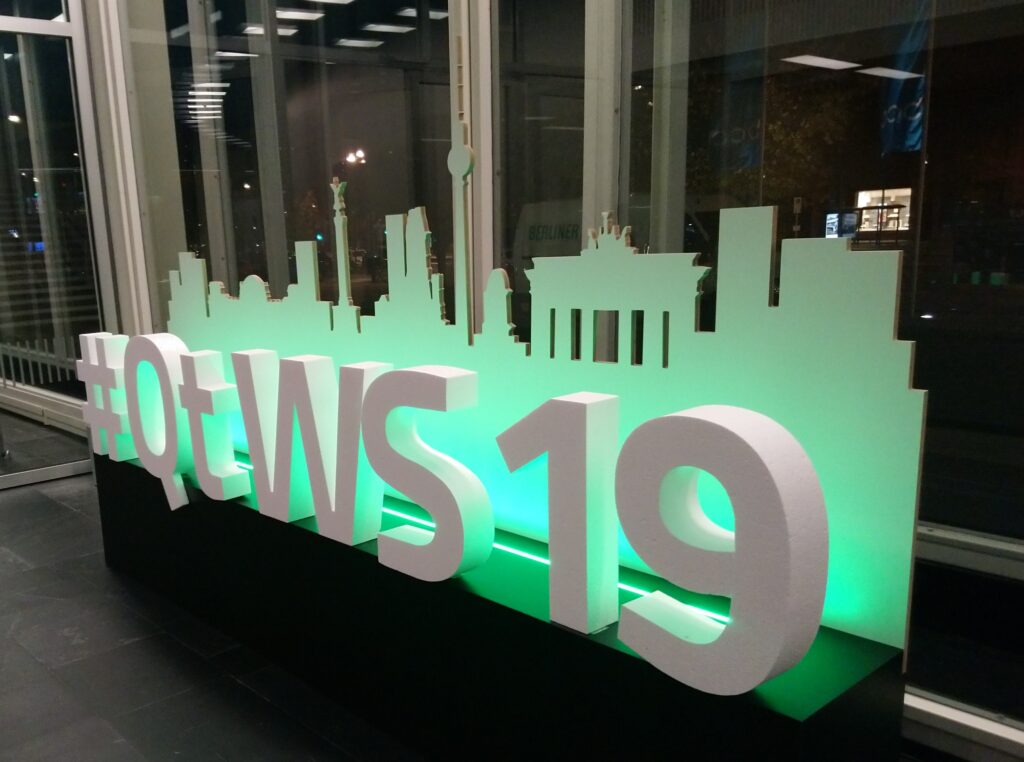
Last week Nicolas Fella, Roman Gilg, and I represented KDE at the Qt World Summit 2019 in Berlin.
The booth just before the venue opened – half an hour later it was crowded in here.
This year we set up a lounge area upstairs for people to chat, see our hardware and software offerings, as well as charge their phones between talks. At the center of our booth we had a large KDE-branded table with various bits of swag and a KDE Slimbook on display which we used as our main device for demoing our extensive KDE Applications and Frameworks offerings.
KDE Itinerary is a project to get your travel itinerary presented to you in a unified, well structured and always up to date fashion, by extracting structured data from emails, boarding passes, and other sources. I successfully traveled the world with it!
Step 1: The crazy idea, is it viable?
“Itinerary Research” extension showing what it’s found
Since I’m always looking for new innovative features to add to Plasma Browser Integration, having KItinerary not only look at your emails but also websites seemed like a natural evolution. During the Nürnberg Megasprint™ in June I pitched the idea to Volker Krause and he talked me through how all of this structured data and boarding pass magic worked. I then wrote a quick and dirty browser extension that scanned your open tabs for any such annotations, so we got a sense of how common they actually are in the open web.
Last month I attended KDE’s annual gathering Akademy, which took place at the University of Bicocca in Milan, Italy. Never before had I been to an Akademy where I was interested in so many workshops and discussions that I hardly wrote any actual code.
I’m pleased to announce the immediate availability of Plasma Browser Integration version 1.6 on the Chrome Web Store as well as Firefox Add-Ons page.
Konqi surfing the world wide web
Plasma Browser Integration bridges the gap between your browser and the Plasma desktop. It lets you share links, find browser tabs in KRunner, monitor download progress in the notification center, and control music and video playback anytime from within Plasma, or even from your phone using KDE Connect!
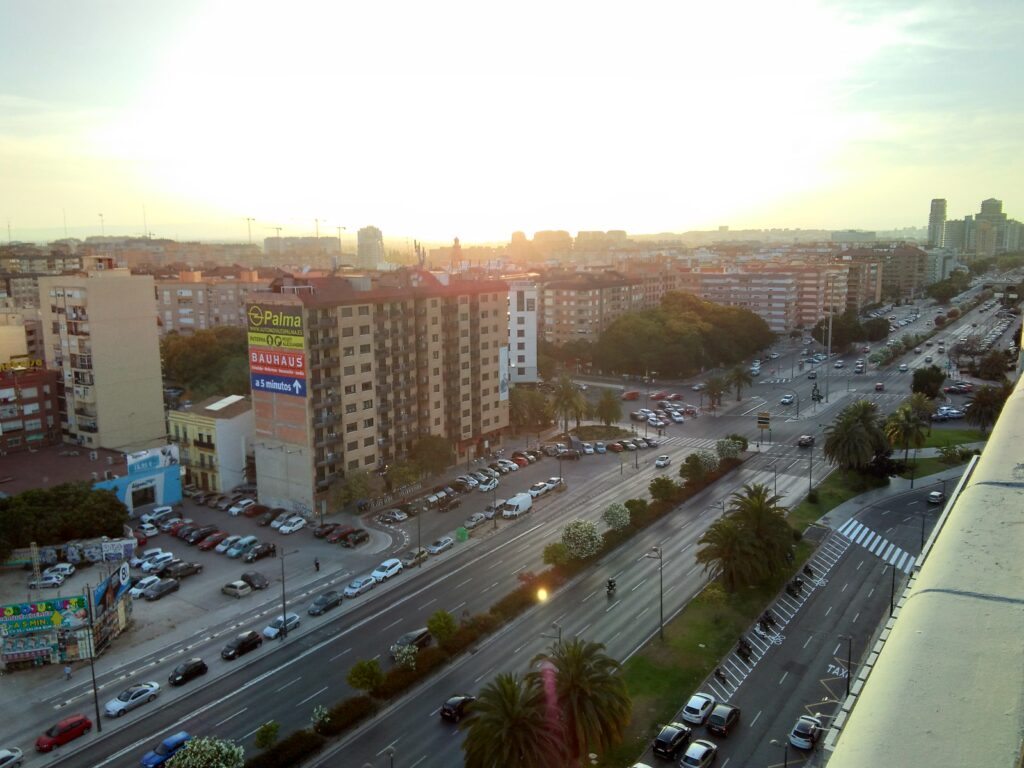
Last month the Plasma team met in Spain for their annual developer sprint. It was kindly hosted by Slimbook in their offices on the outskirts of Valencia. This time it was co-located with the Usability sprint and it was great to meet so many new faces there.
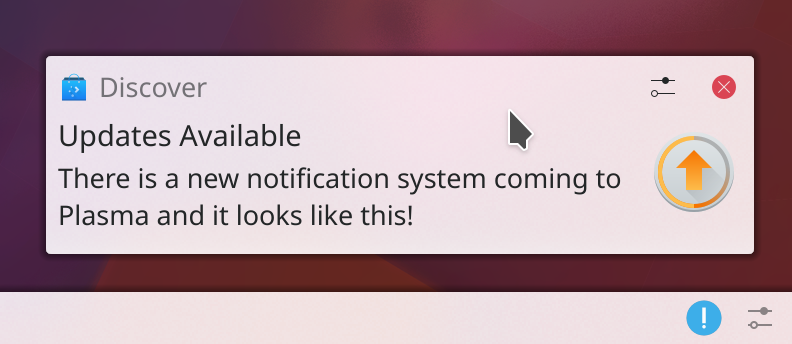
There is something very exciting I have to show to you today: a completely rewritten notification system for Plasma that will be part of our next feature update 5.16 to be released in June.