30 Reasons I ❤️ KDE Plasma

KDE’s 30th birthday is coming up next year. For this year’s holiday season I therefore decided to compile a list of 30 reasons why I love KDE Plasma. It makes me so much more productive and work a lot more fun. While some of the items listed below aren’t unique to Plasma, it’s the combination of all of those things that truly makes it the best desktop environment out there. Tell me, what are your top reasons?

Vertical christmas gift card with Konqi, KDE’s mascot dragon, christmas tree decoration
Konqi Christmas post card (CC-BY-SA-4-0 Timothée Giet)
Continue reading 30 Reasons I ❤️ KDE Plasma

Plasma Browser Integration in 6.x

It has been a little quiet around my pet project Plasma Browser Integration. On one hand because I’ve been busy with life but also because browser extension APIs haven’t really gained much new functionality. Nevertheless, for Plasma’s October release I finally found the time to take care of some long-standing feature requests and/or bug reports.

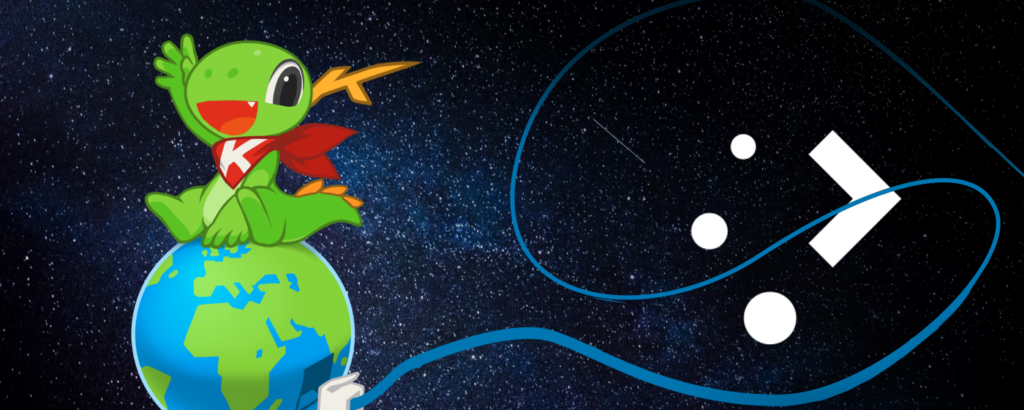
Dark blue space background with stars, a cute dragon wearing a red bandana with a "K" on it, sitting ontop of the Earth which has a blue network cable plugged in whose lose end is squiggling around the KDE Plasma logo
Konqi surfing the world wide web
Continue reading Plasma Browser Integration in 6.x

On Window Activation

You click a link in your chat app, your browser with a hundred tabs comes to the front and opens that page. How hard can it be? Well, you probably know by now that Wayland, unlike X, doesn’t let one application force its idiot wishes on everyone else. In order for an application to bring its window to the front, it needs to make use of the XDG Activation protocol.

KWrite (text editor) window, window has no focus (colors are softened). Task bar with a couple of apps, KWrite icon has an orange background behind it, indicating KWrite is demanding attention
A KWrite window that failed to activate and instead is weeping bitterly for attention in the task bar
Continue reading On Window Activation

Mnemonics, Mnemonics Everywhere

The M is silent. In computing this stands for the underlined letters in menus that can be triggered using an Alt+Letter key combination, one that you can remember and apply later to navigate around more quickly.

Display Configuration dialog with various controls (Resolution, Scale, Orientation, Refresh rate, etc). Most labels have an underlined letter indicating they have a mnemonic
How about you just press Alt+R and use the arrow keys to change screen resolution?

Qt and other toolkits typically use an ampersand to denote a mnemonic when assigning a menu entry. For instance, “&Shutdown” will be displayed as “Shutdown” and trigger on Alt+S whereas “Slee&p” will be “Sleep” and trigger on Alt+P. Of course this isn’t limited to menus, pretty much any control, buttons and what not, can have mnemonics. Since they are part of the label, a translated string can and likely will have a different one.

Continue reading Mnemonics, Mnemonics Everywhere

Hardware Shenanigans

(originally titled “On Dead Trees”)

There’s features that you know are really important to some of our users but you frankly don’t really care for them much yourself. Printing is one such example. Recently, I actually had to print lots of paperwork, so I had a reason to fix some of my more pressing issues with our Print Manager.

Print manager popup showing a list of printers, one of them is highlighted and expanded to reveal a list of print jobs. Mouse hovers the “Cancel” button of the test page job
Print jobs right at your finger tip

The biggest regression from the Plasma 4 days, when we moved from individual System Tray popups to a unified square view, was that Print Manager had to give up its two pane layout that showed the print queue directly in the popup. In order to view and cancel print jobs, you now had to select the printer and open its print queue window, and close it again after you’re done.

Continue reading Hardware Shenanigans

Little Wayland Things

While I do have a Qt git build on my machine that I use for development, I usually only test individual applications and functionality but hardly ever run my full Plasma session on it. This means that for day-to-day use I typically only get to enjoy new Qt features once they have actually been released.

Message Box “Close Document: The document has been modified. Do you want to save your changes or discard them?” ontop of a KWrite editor window that is darkened because the prompt is modal
Proper modal dialogs under Wayland (note the darkened editor window) thanks to XDG Dialog and the new Qt 6.8
Continue reading Little Wayland Things

Getting ready for Akademy

Next week Akademy, KDE’s annual community conference, will take place in Würzburg, Germany. There are a few features that I actually began during various conferences throughout the years to address real-world problems. I decided to have look at some of them again that would be most useful for people travelling to Akademy from abroad or who will be giving a presentation there.

Plasma network popup showing a viewfinder with a QR code and instructions “Connect to a Wi-Fi network by scanning its QR code.”
Connect to a Wi-Fi network by scanning its QR code
Continue reading Getting ready for Akademy

A Fresh Perspective on Things

Can you believe it’s already been almost half a year since Plasma 6.0 came out? Time really flies! The other day I went through some of my 50+ open merge requests on KDE’s GitLab and took another stab at them. Some are four years old at this point but it definitely helped to let them sit for a while and finish them with a fresh new perspective and clear mind.

Dolphin file manager, Places panel hovered "USB Stick", tooltip reads "/media/USB (from /dev/sdb1), 28.8 of 2.98 GiB Free (3 % used)"
Places panel tooltip indicating mount point, device name, and free space information
Continue reading A Fresh Perspective on Things

Plasma 5: The Early Years

With KDE’s 6th Mega Release finally out the door, let’s reflect on the outgoing Plasma 5 that has served us well over the years. Can you believe it has been almost ten years since Plasma 5.0 was released? Join me on a trip down memory lane and let me tell you how it all began. This coincidentally continues pretty much where my previous retrospective blog post concluded.

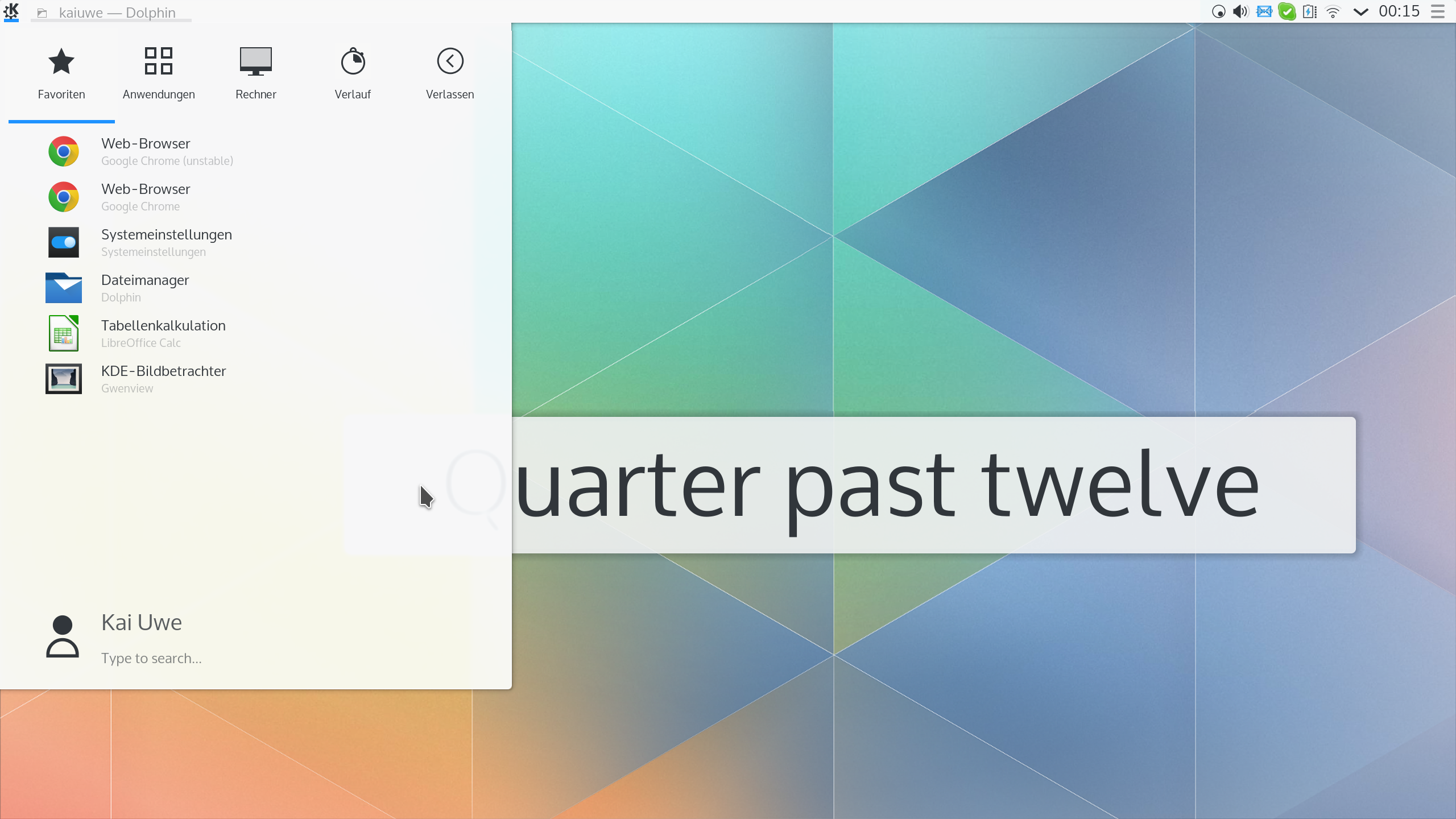
Plasma 5.1 desktop with pastel colored diamond pattern as wallpaper, white panel at the top, kickoff menu open with various apps in it, and fuzzy lcock widget “quarter past twelve” visible in the background
The earliest clean full-desktop Plasma 5 screenshot I could find in my archives, dated December 2014
Continue reading Plasma 5: The Early Years